![Relevant_yield_logo.png]](https://help.relevant-digital.com/hs-fs/hubfs/Logos/Relevant_yield_logo.png?height=50&name=Relevant_yield_logo.png)
1. Building the report with the data you wish to export
Build your report as you would any other report, and save it in the system:
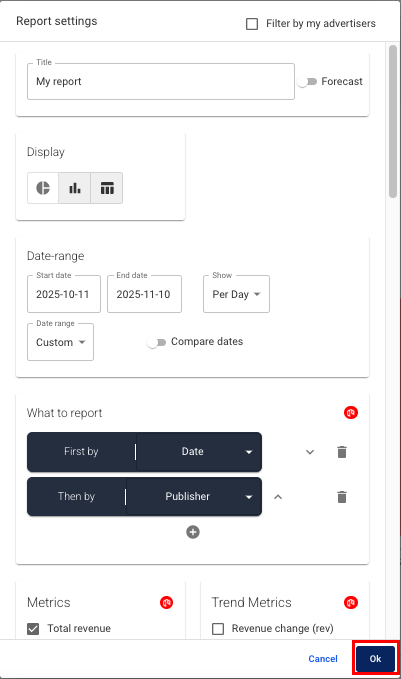
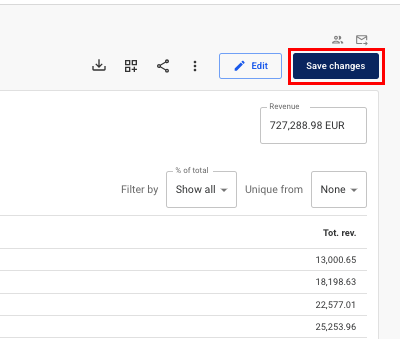
Once saved using the Save button, you can choose how to export the data.
2. Selecting your export preference:
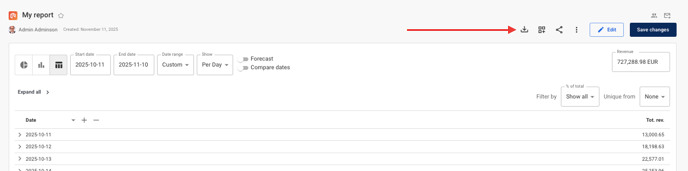
You can export the reporting data manually by pressing the Download button in the top menu:
Or you can choose to set it up as a scheduled report by subscribing to it:
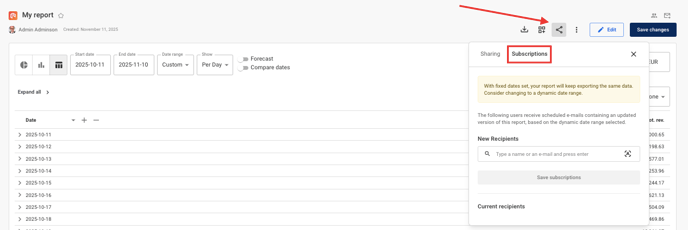
First select the Sharing button, and then select "Subscriptions" tab. Add the recipient(s), adjust how often the report should be sent and click Save subscriptions. Now you will automatically receive the report as a link and a CSV in your email.